Live sessions for Ableton Live 12
Every version saved.
Every session shared.
CollabSync keeps a history of your Ableton Live projects as you work, and lets you build the same set together in real time, each from your own Live.
Version history
Hit save. That’s the backup.
Every time you save in Live, CollabSync records a version of the project: the set and the samples it uses. Go back to last night’s mix, or to the version before someone rewrote the bassline.
Night Drive.als
~/Music/Projects
v13 Vocal chops in the drop
Maya · just now+1 track3 samples
- Restore
v12 Bassline rewrite
Theo · 18 min agoBass2 clips
- Restore
v11 Rough arrangement
Maya · 36 min ago8 tracks
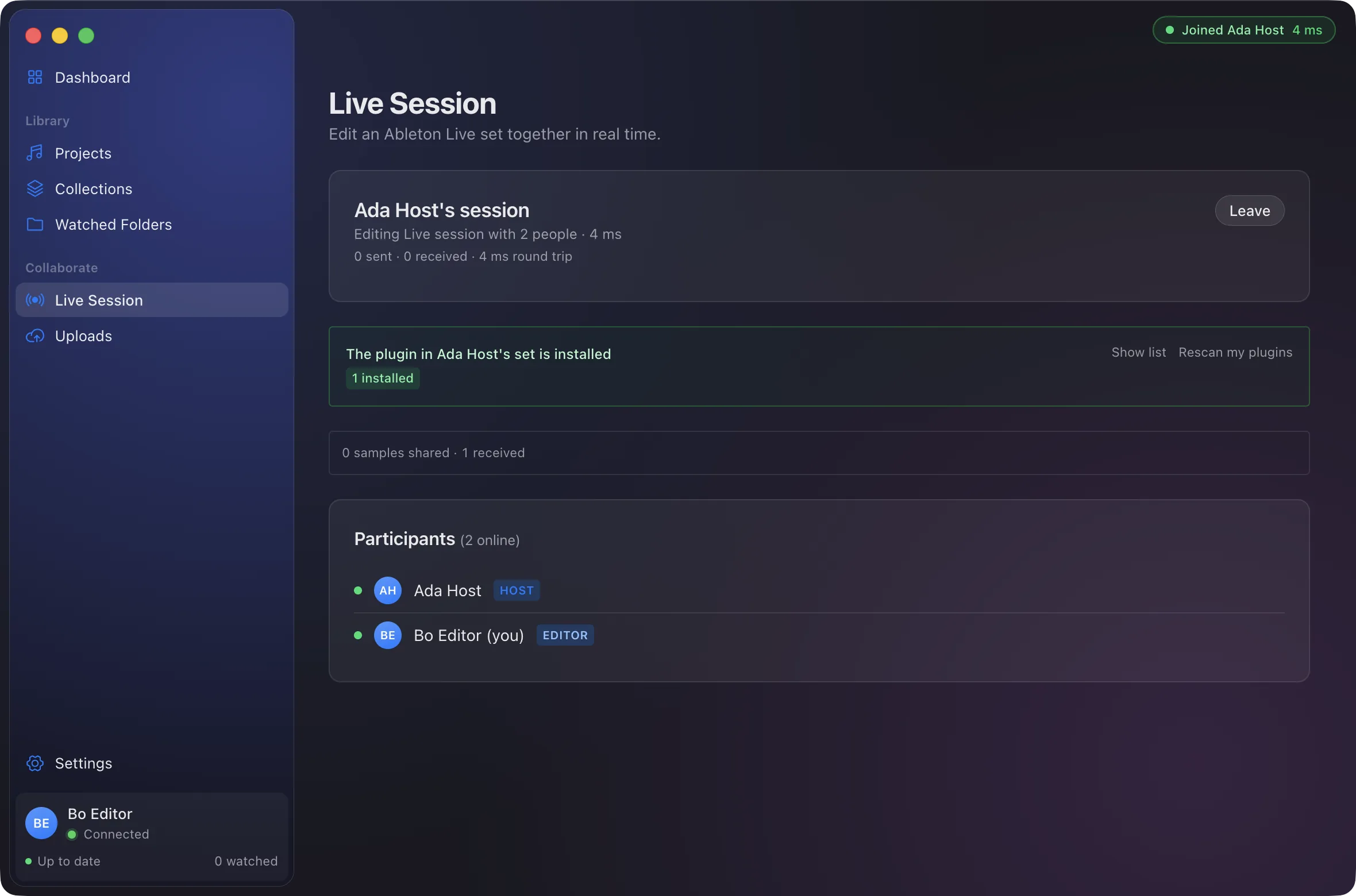
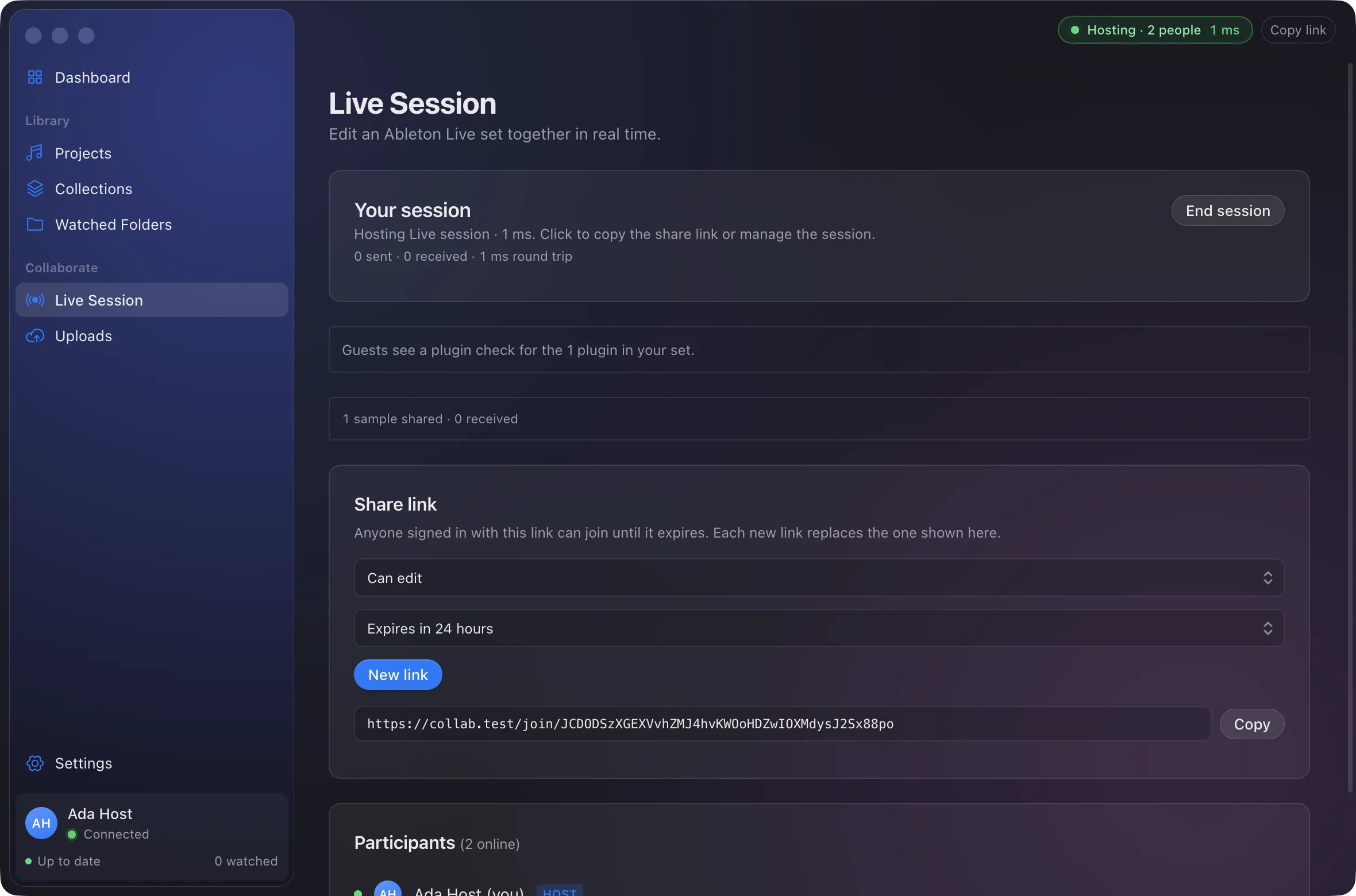
Live sessions
One set. Everyone in it, live.
Work on the same arrangement at the same time, each from your own Live. Edits show up on everyone’s screen as you make them, and samples you drag in are sent along.
Menu bar
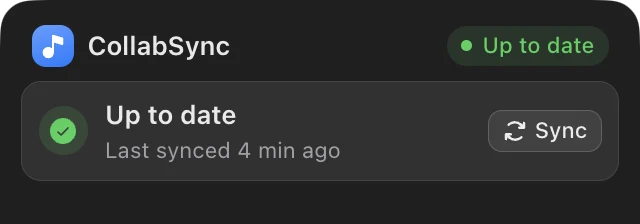
Always know where your sets stand.
A glance at the menu bar tells you whether everything is synced, what is uploading right now, and who is in your session. Click it for the details, or to copy a link and end the session.
Built for real sessions
Made for the way producers work.
Big sample libraries, last-minute bounces and collaborators on the other side of the world.
Watched folders
Point CollabSync at your projects folder. New saves become versions on their own.
No file size limits
Long 48 kHz stems and multi-gigabyte recordings upload in parts and pick up where they left off.
Only what changed
Files are stored by content, so a new version sends only the samples and sets that are new.
Plugin checks
See which plugins a collaborator is missing before you open their set.
Collections
Group sets into albums, EPs or client folders and keep their histories together.
Share links
Invite someone to a live session with a link that expires when you want it to.
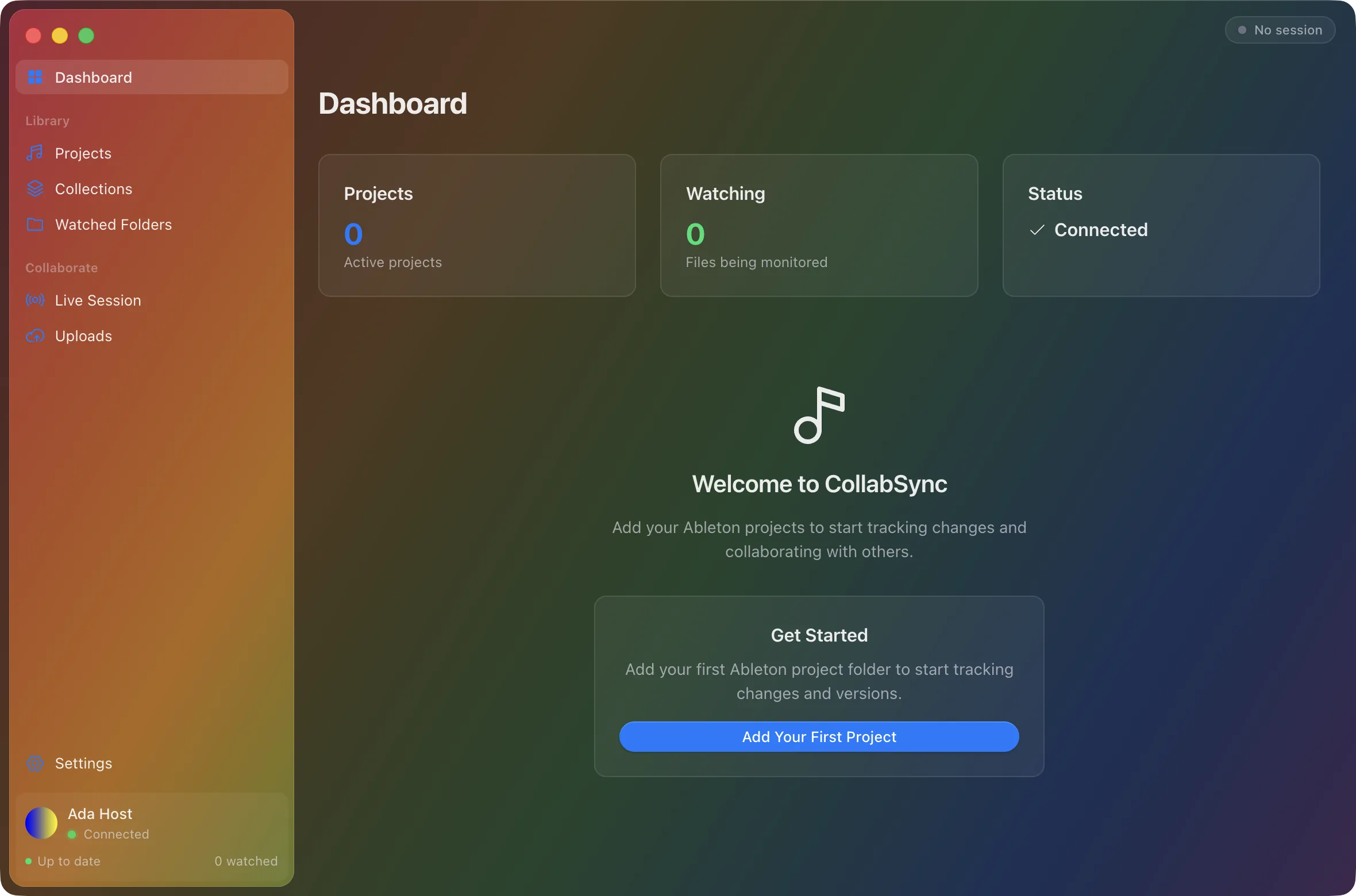
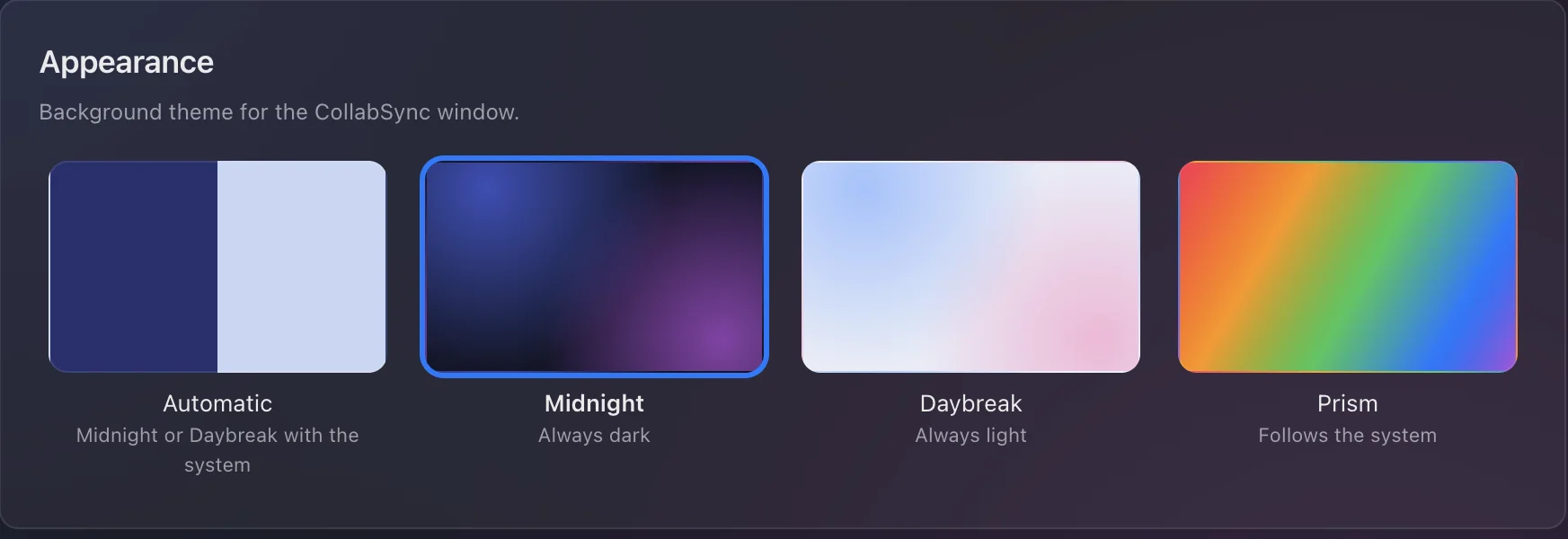
Feels at home on a Mac
Native, quiet, and yours.
CollabSync follows your system’s light and dark appearance and comes with background themes, from Midnight to Prism. It stays out of the way until you need it.
Make your next track together.
Free for macOS and Windows. Live sessions need Ableton Live 12.